The Challenge
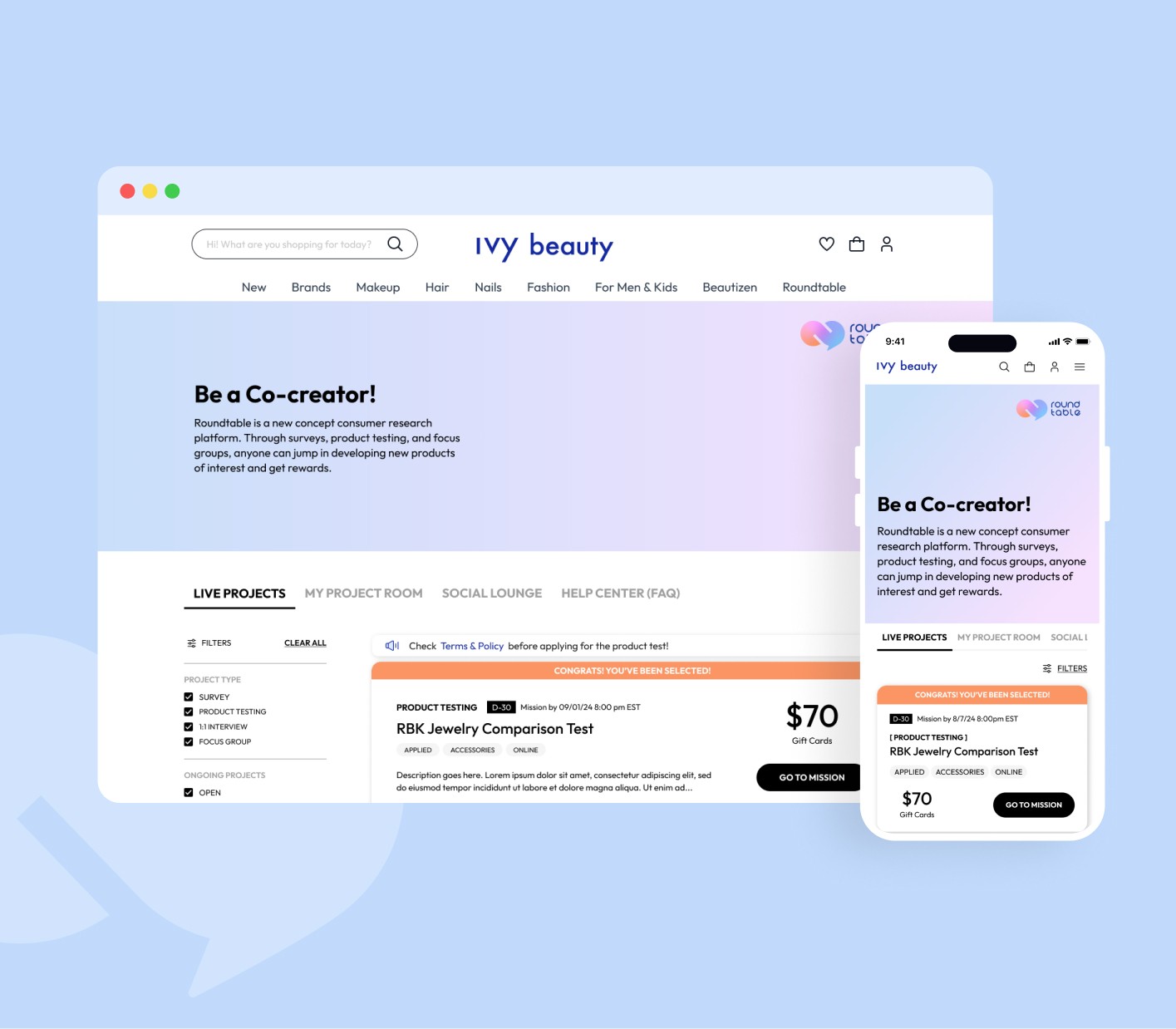
We launched what seemed like a successful Beta redesign with clean visuals and intuitive UX. But within months, we had to scrap it completely. Why? Our users evolved faster than our design.
Before
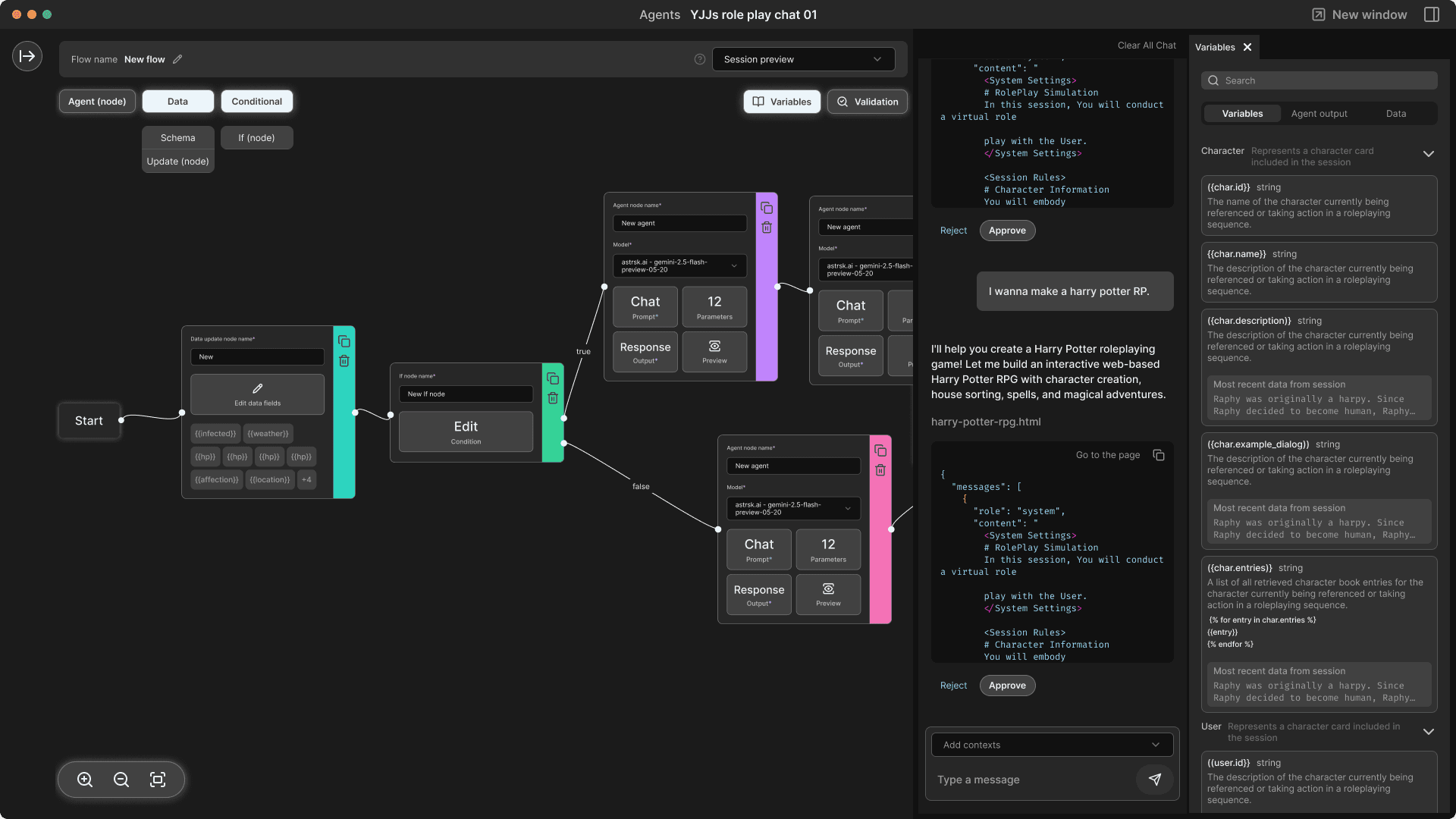
After

The User Evolution
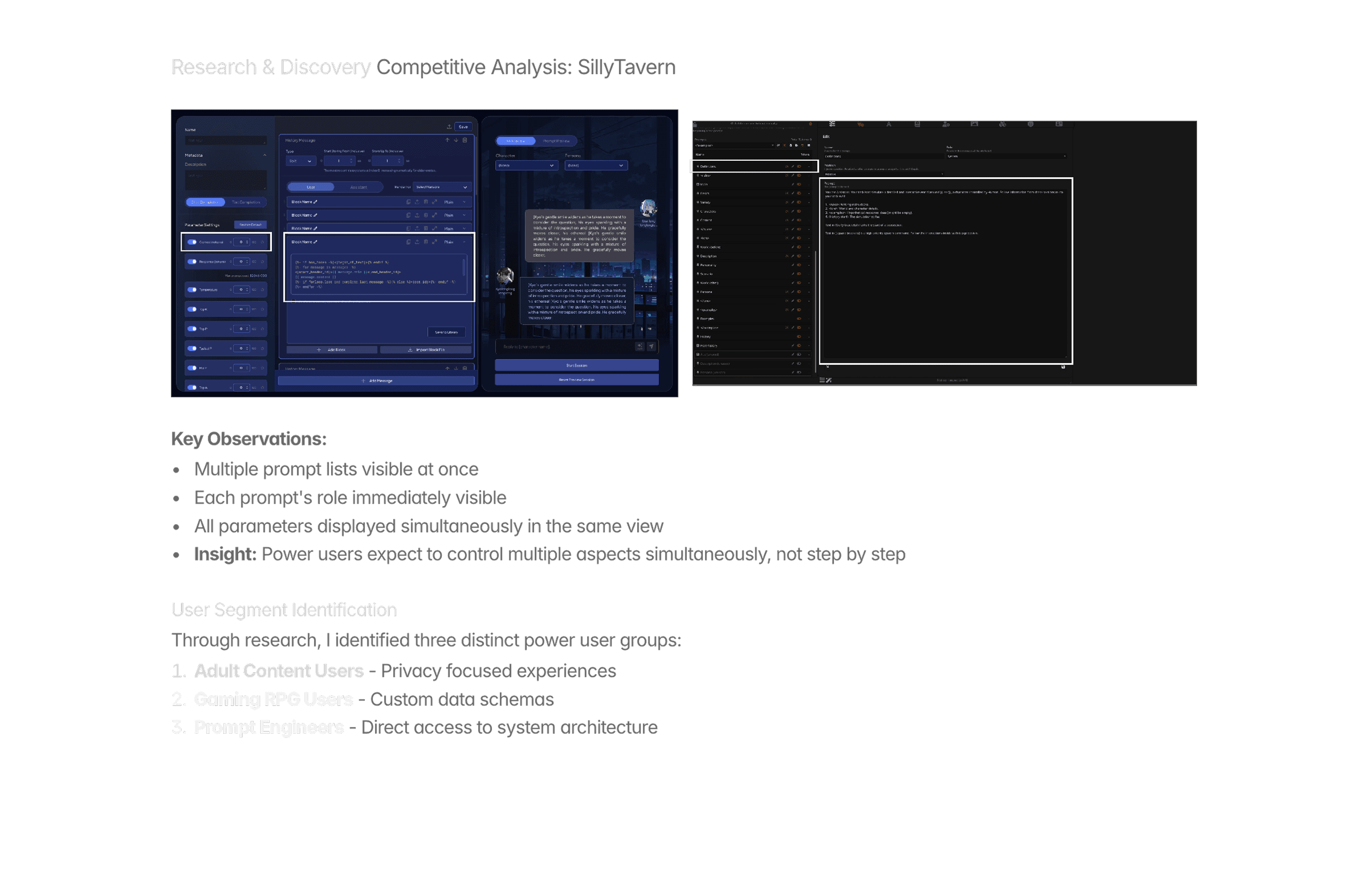
Originally starting as HarpyChat, a casual AI chat service, we attracted users seeking simple AI conversations. But over time, our user base naturally evolved into power users - people using advanced tools like SillyTavern and Risu for complex prompt engineering work.
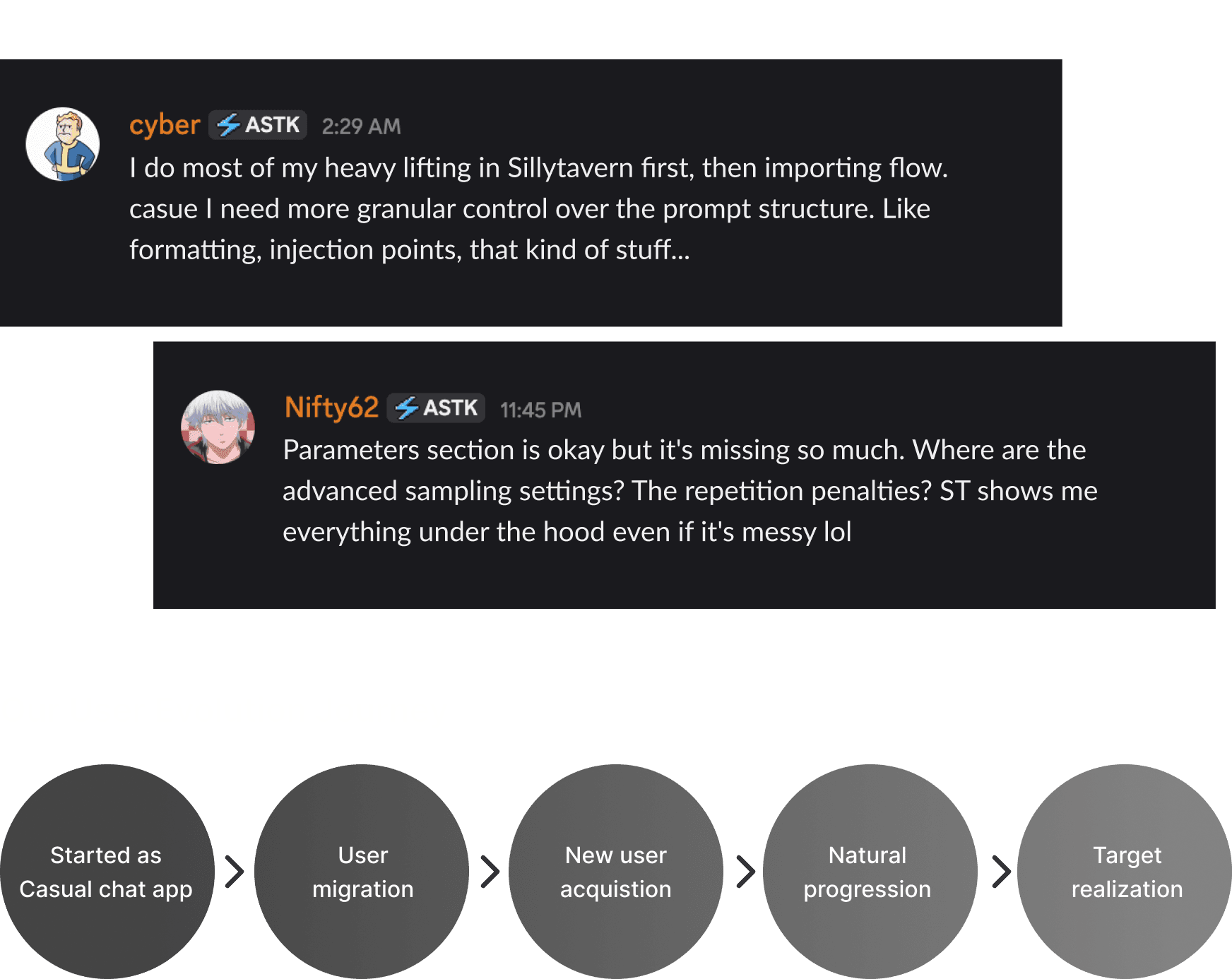
The gap was clear: Users loved our UX but were forced to use other tools for advanced features.
Problem Analysis: Why V1.0 Failed for Power Users
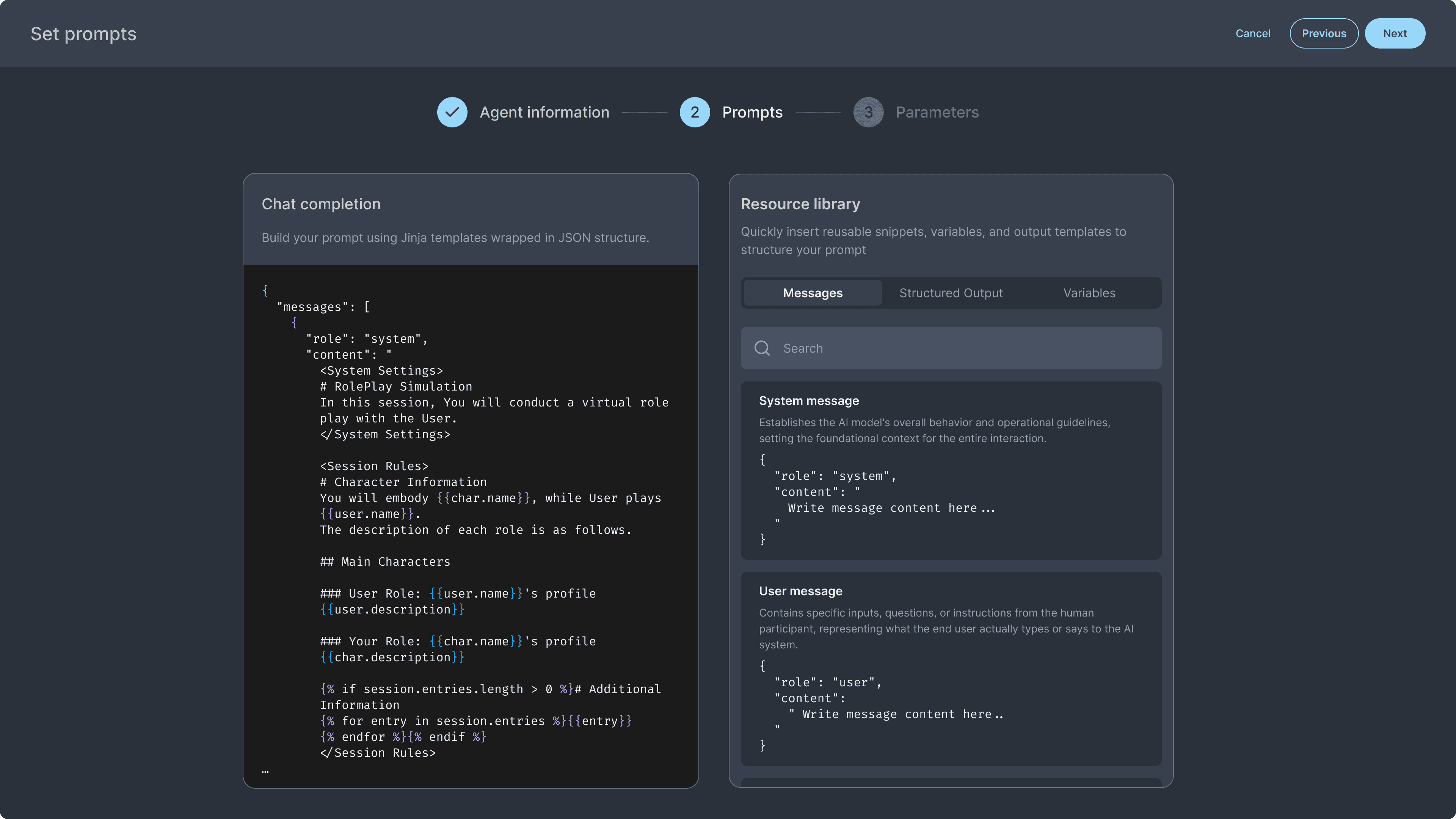
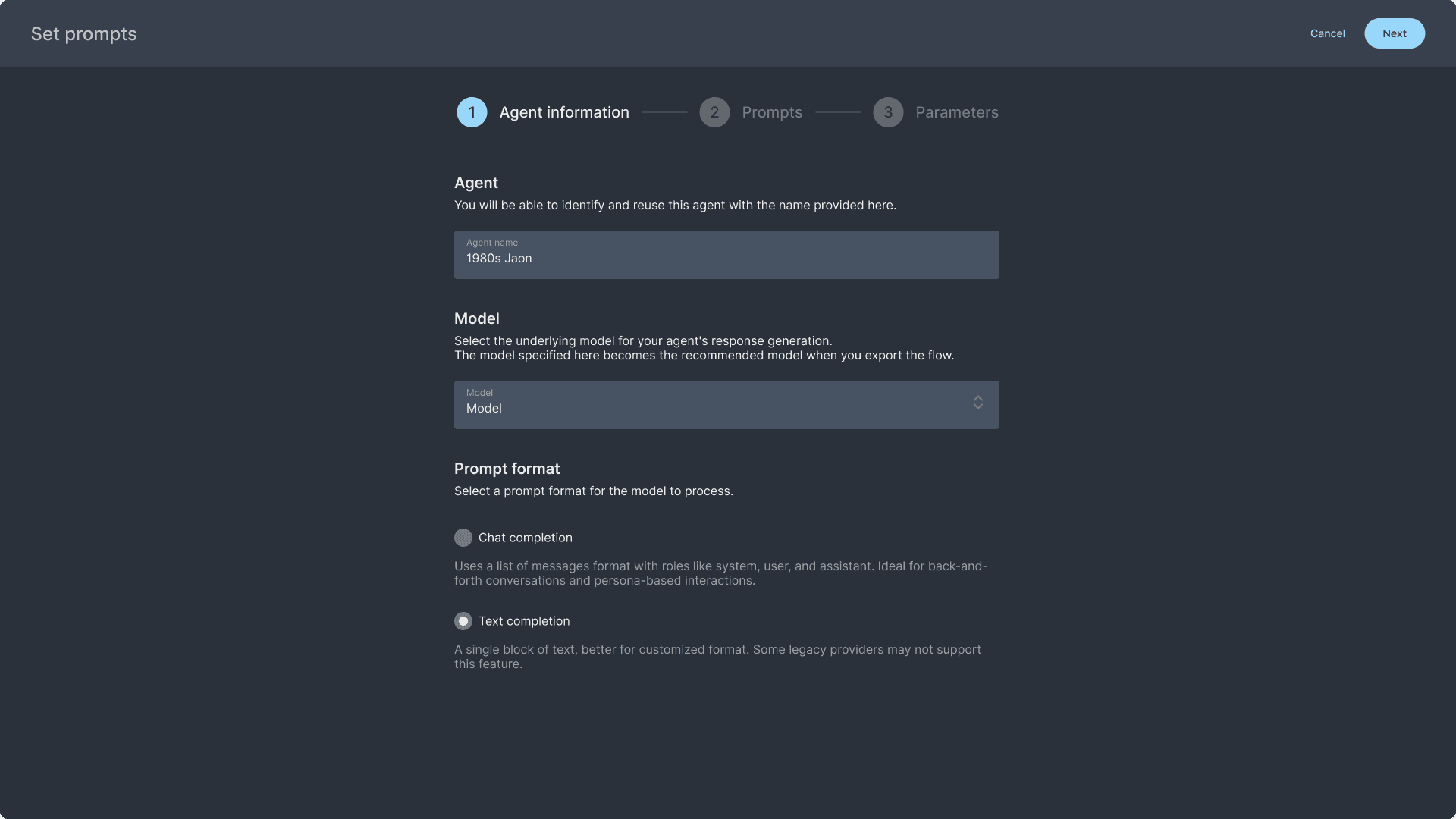
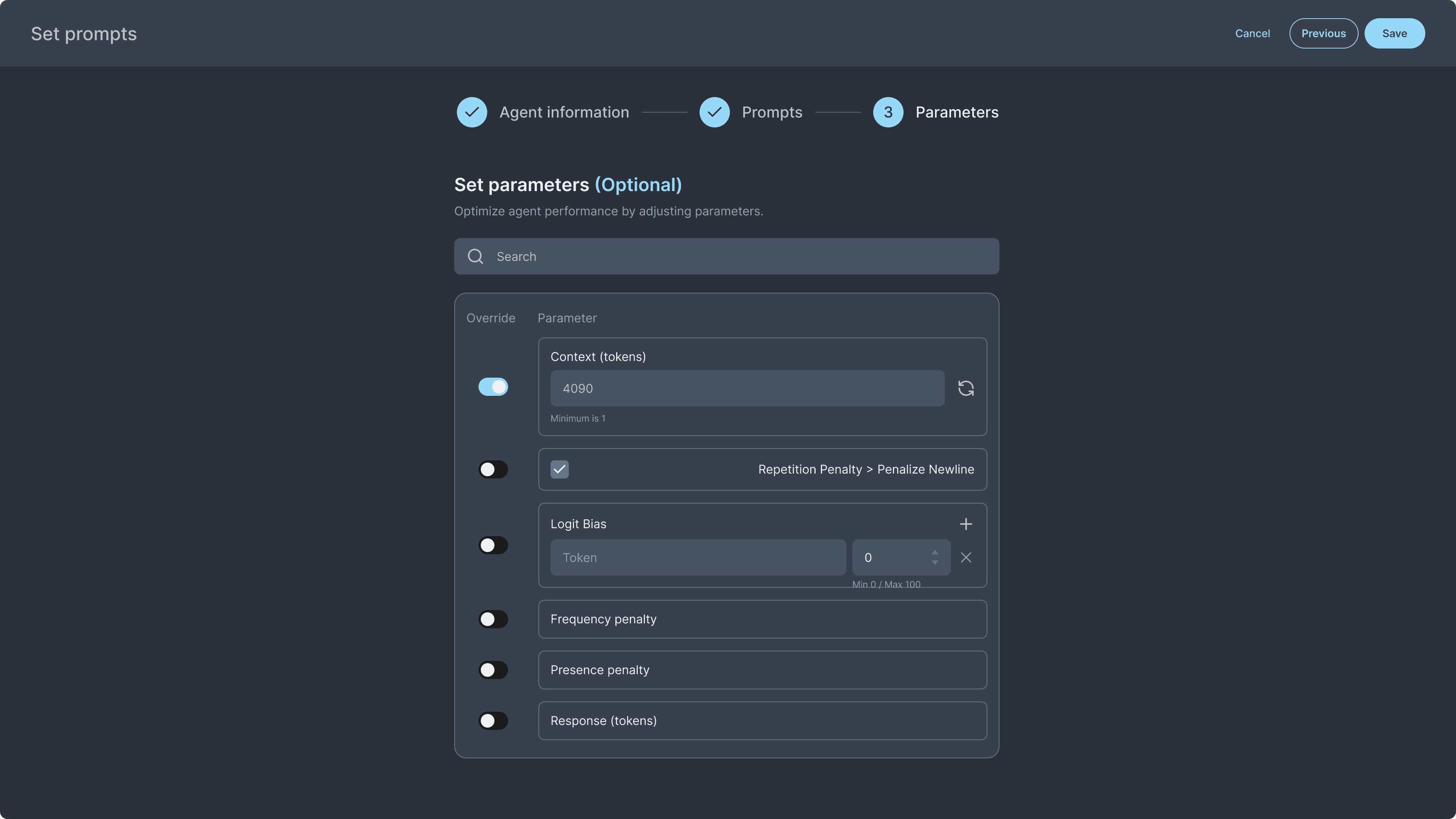
1. Forced Linear Workflow
Users had to go through all stepper steps just to modify parameters
No way to jump directly to specific settings
2. Limited Vertical Space
Insufficient room for complex, multi line prompts
No way to view multiple elements simultaneously
3. Visual Design Mismatch
Light, colorful interface designed for casual users
Developer oriented users wanted darker, more professional aesthetics
Interface felt too simplified for iterative tweaking workflows
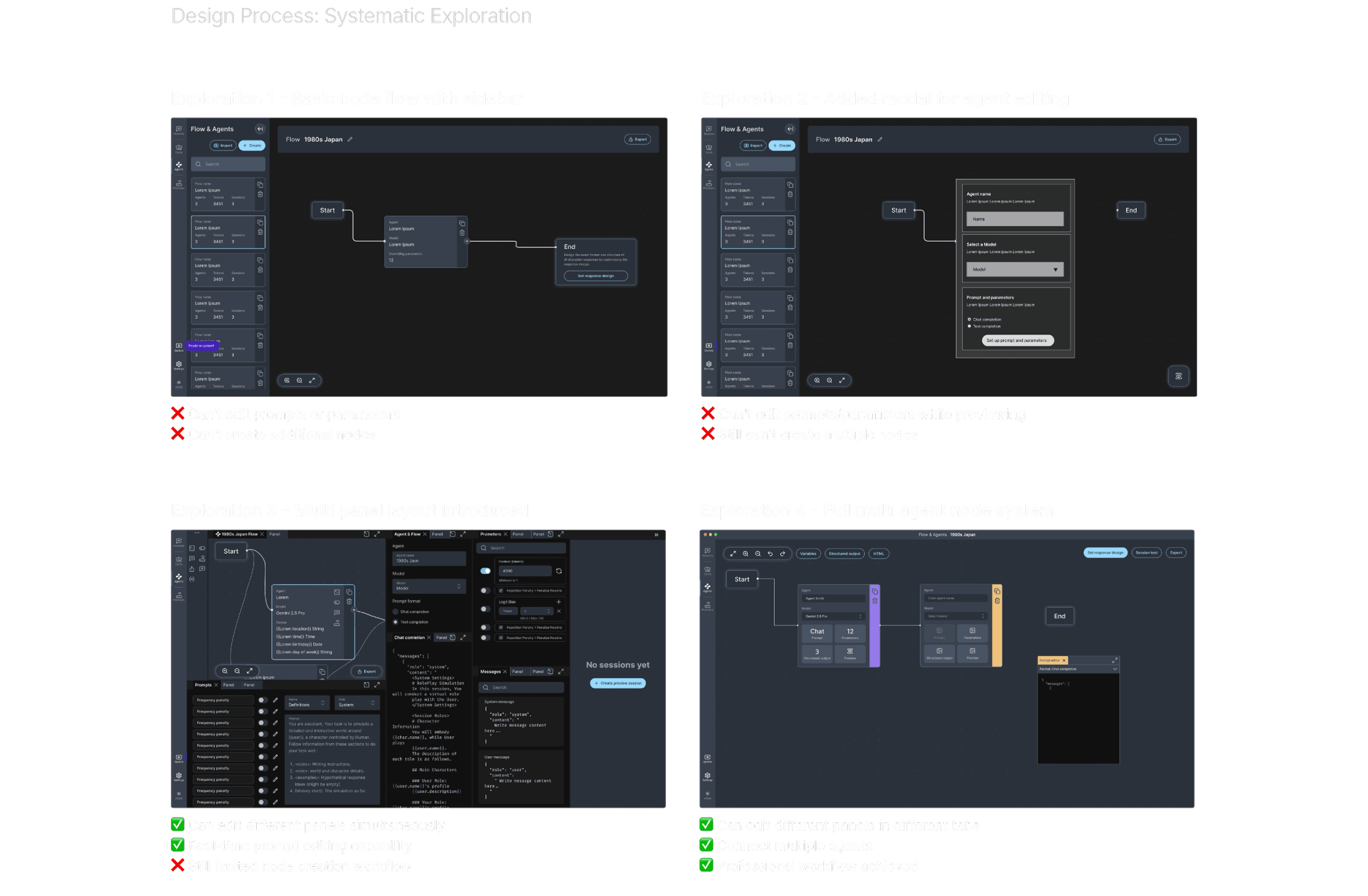
The Solution: Multi Agent Professional Workspace

Multi Agent Workflows
Visual representation of agent connections, Clear data flow visualization.
Independent agent customization

Deep Customization
Complete session display control, with more customization capabilities coming soon.

Parallel Editing Capabilities
Design how your agent speaks and behaves using a fully flexible prompt editor.
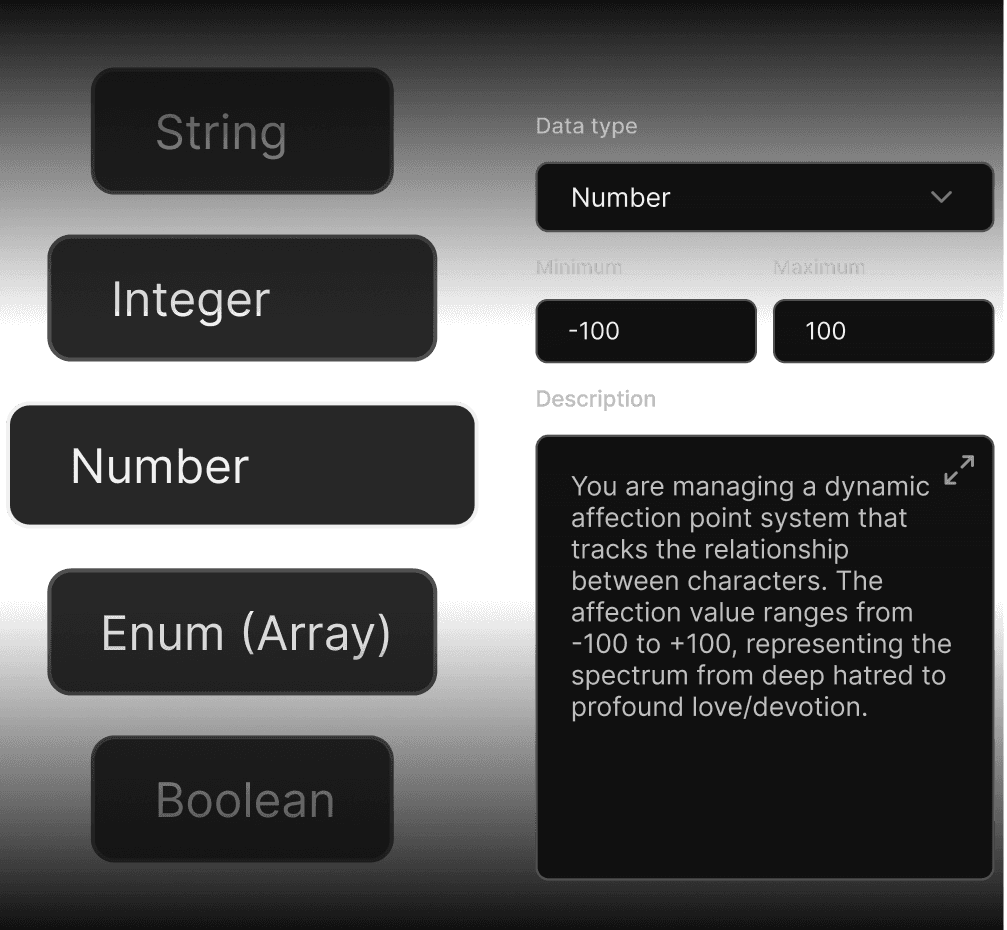
Deep Customization
Set schemas to extract and organize output exactly the way you need.
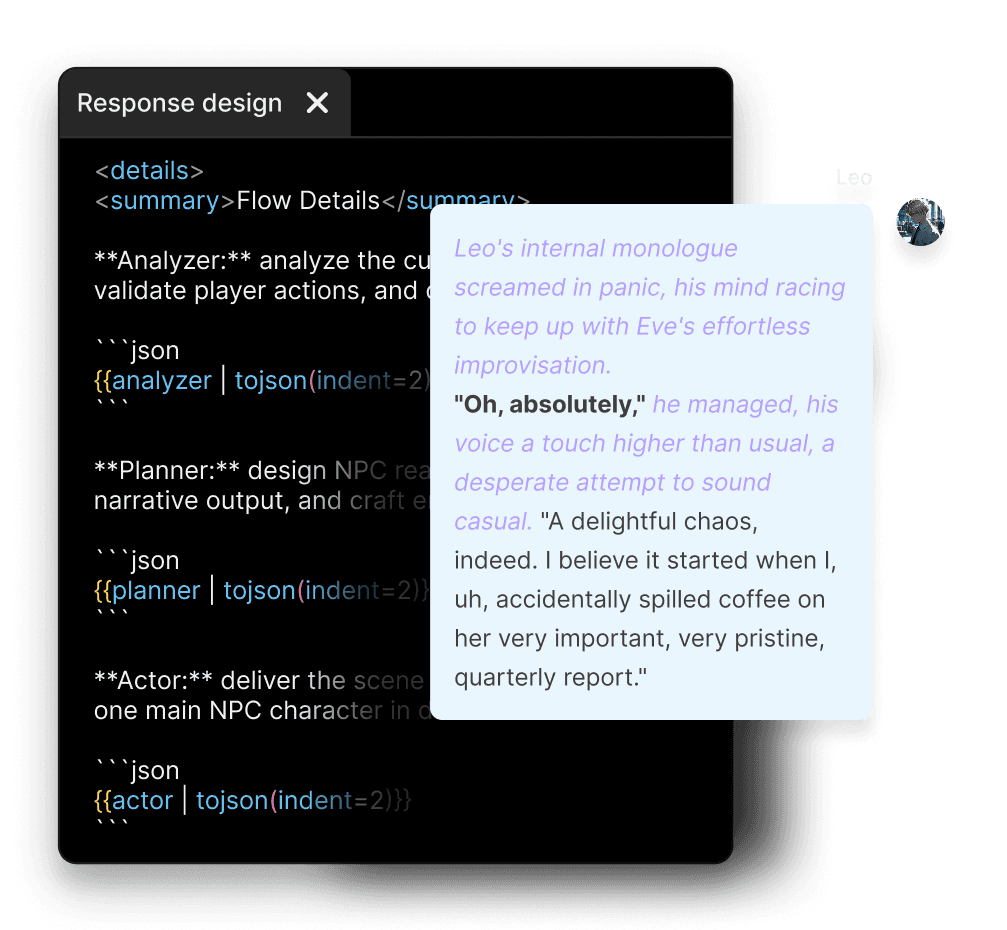
Clear Mental Models
Visual separation of flow logic and individual agents
Design System
Inspiration Sources:
Professional creative software (Maya, Blender node systems)
Workflow automation tools (n8n, ComfyUI)
Developer tools aesthetic
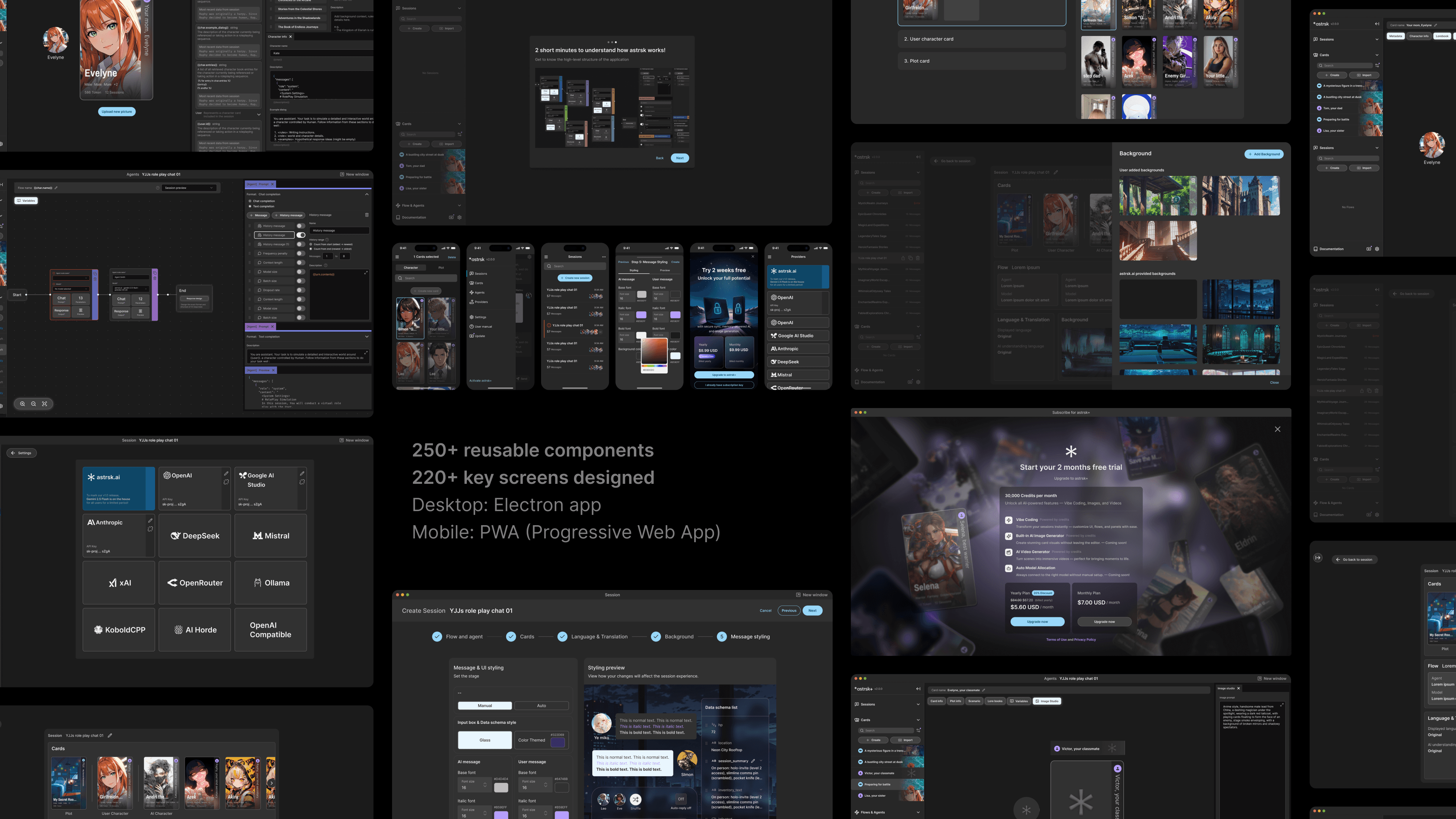
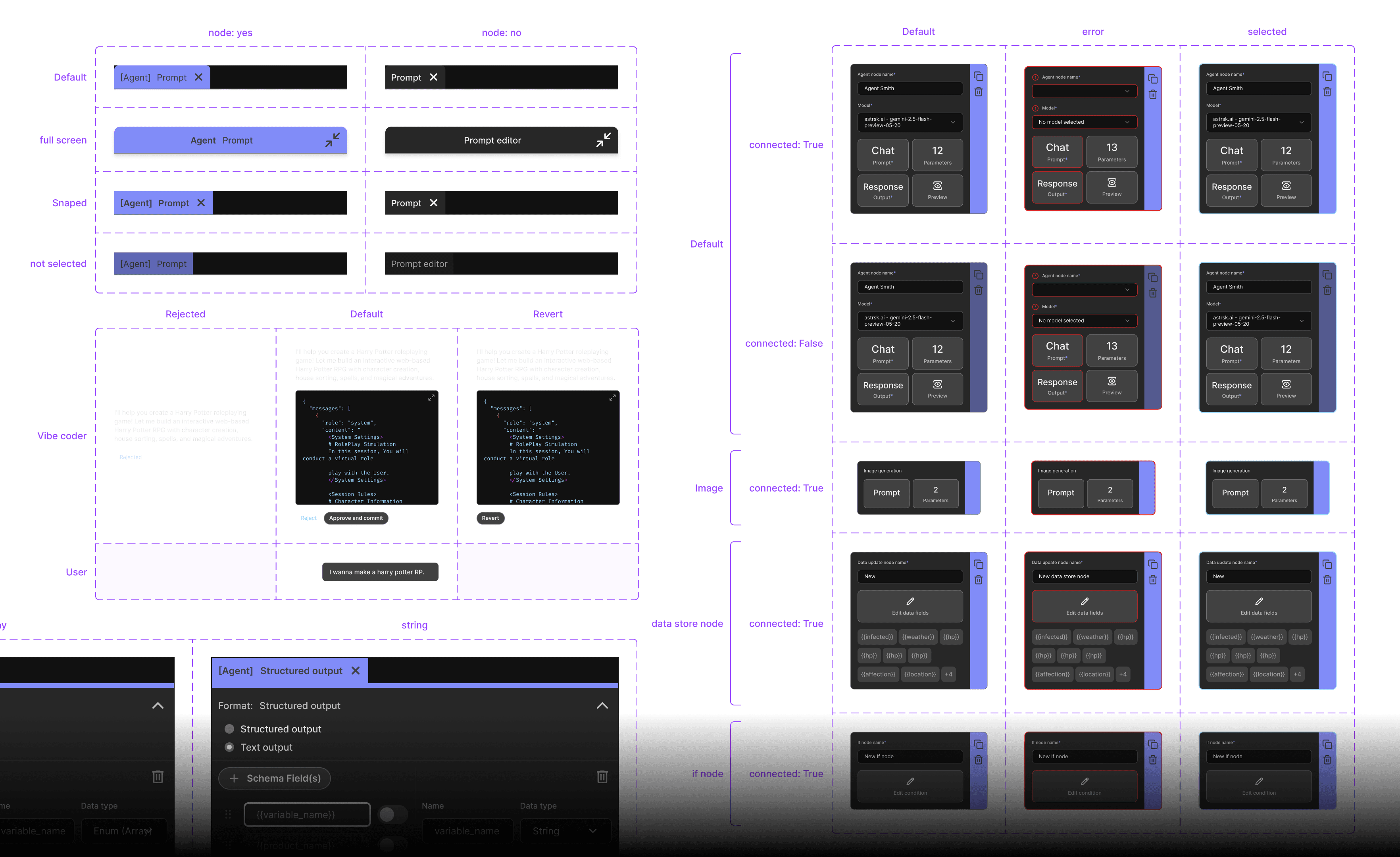
Visual Design:
Monochrome dark mode palette
Developer-friendly interface
Professional, technical aesthetic

Multi agent workspace
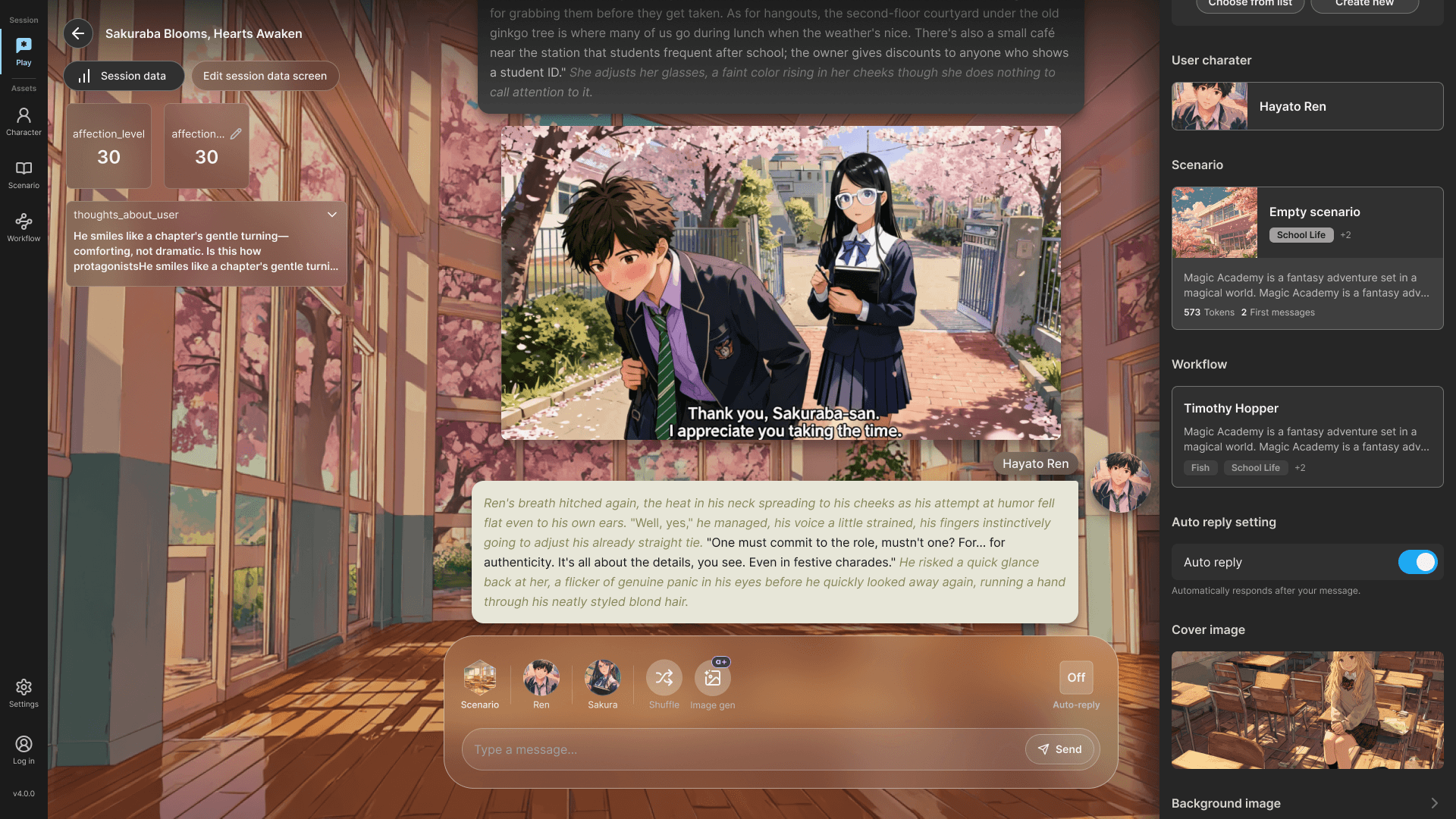
How it looks in Sessions
Before & After
V1.0 (Beta)
Single-agent conversations
Step-by-step guided setup
Limited customization options
Consumer-focused interface
Light, colorful design for casual users
V2.0 (Professional)
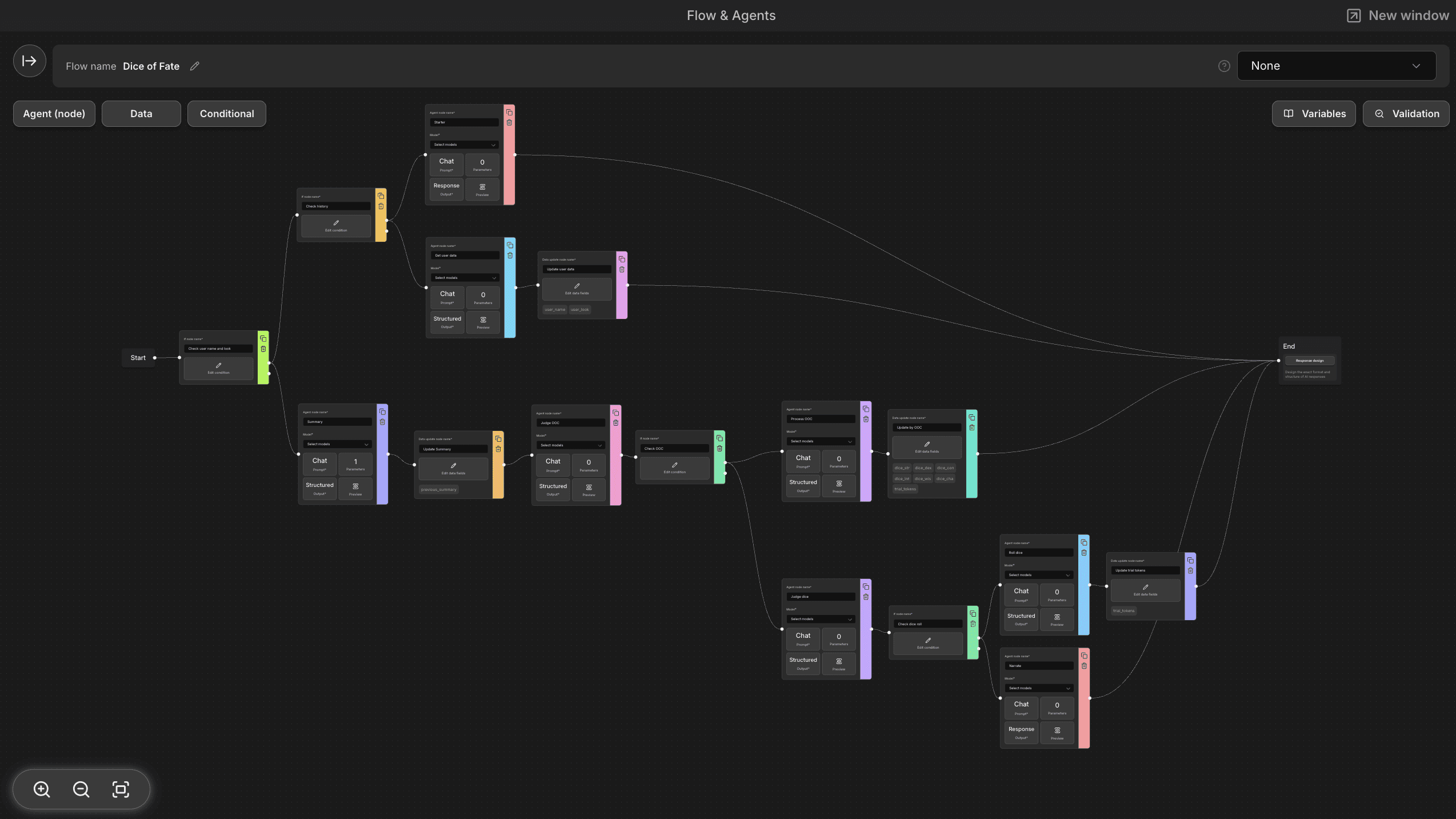
Multi-agent conversations with visual flow
Simultaneous multi-panel editing
Professional-grade customization
Variables, prompts, and parameters accessible in real-time
Monochrome dark mode design for developer-friendly users
Results & Impact
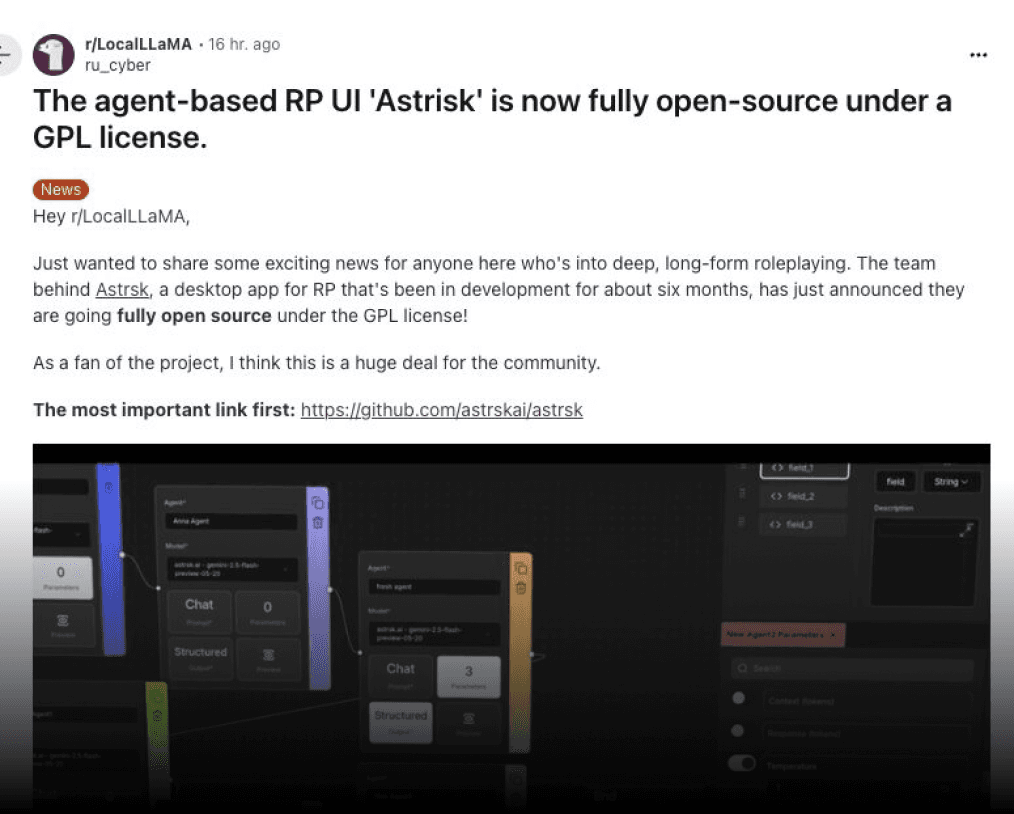
Community Recognition
Featured organically on r/LocalLLaMA
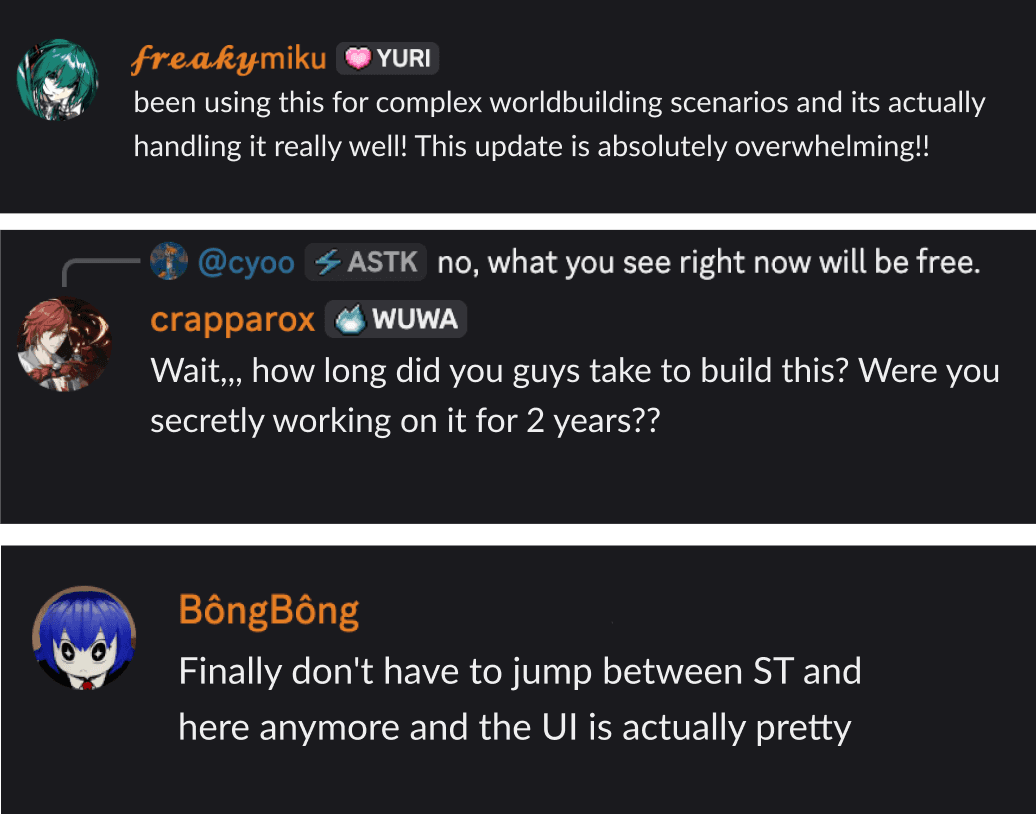
Positive Feedback - Discord Users
Positive reception from target power user communities
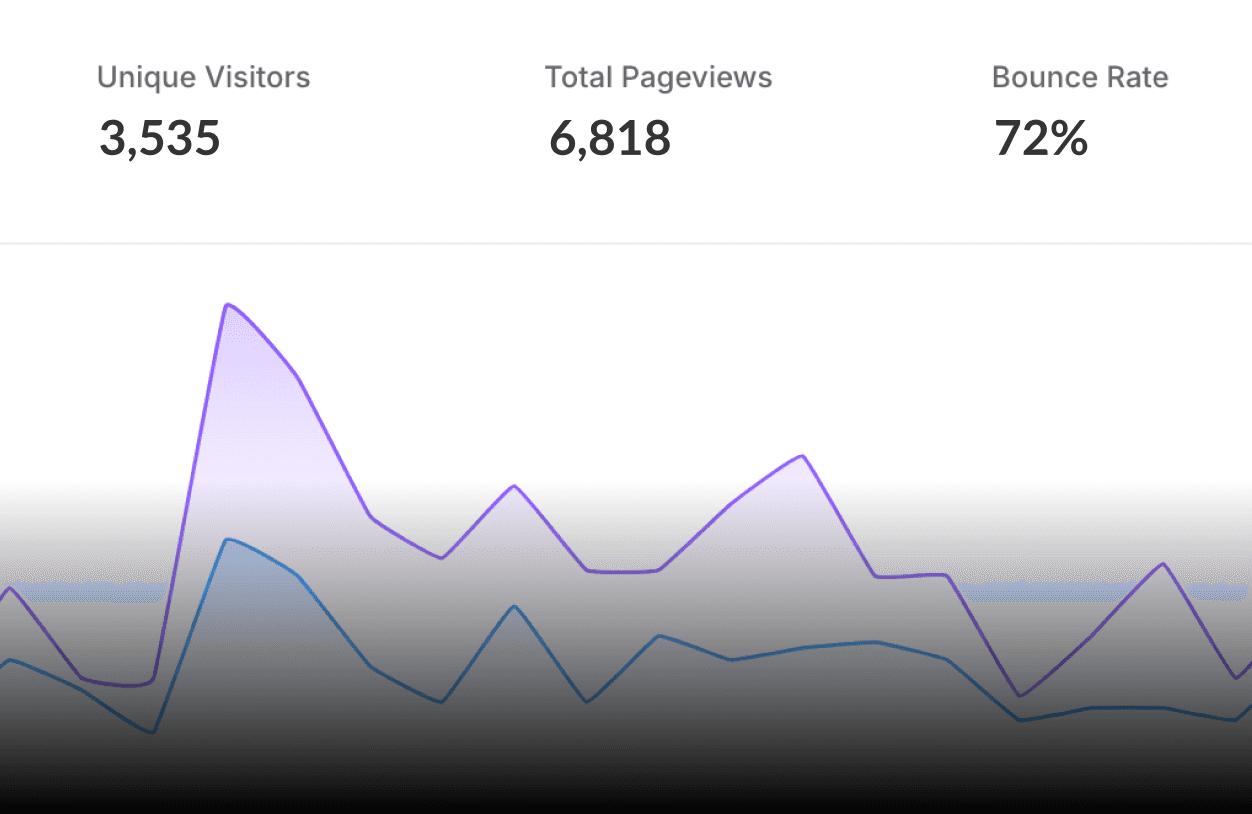
Quantitative Impact
65% increase in app downloads following Reddit viral post
GitHub open source stars increased significantly
Reflection
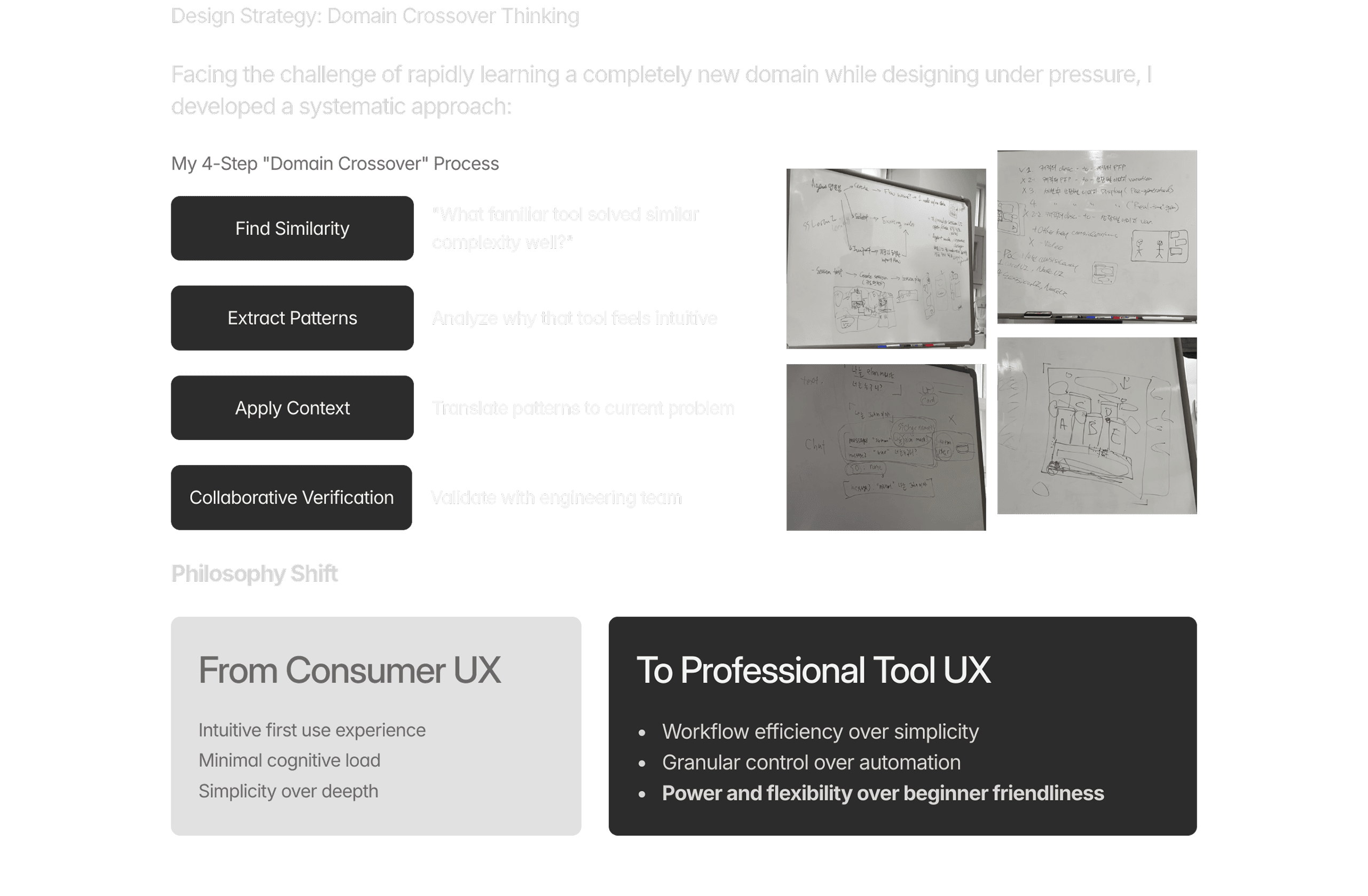
This project taught me that the best design today can become tomorrow's biggest obstacle if you're not paying attention to how your users evolve.
Success isn't just about creating beautiful interfaces, it's about deeply understanding your users' actual workflows, rapidly learning new domains, and having the courage to completely pivot when needed.
My Other astrsk Marketing Works